
PRACTICAL GUIDE
Google Business Profile: setup, verification and maintenance
Eight steps for an accurate Google Business Profile, consistent contact details and useful customer information, with a maintenance checklist.
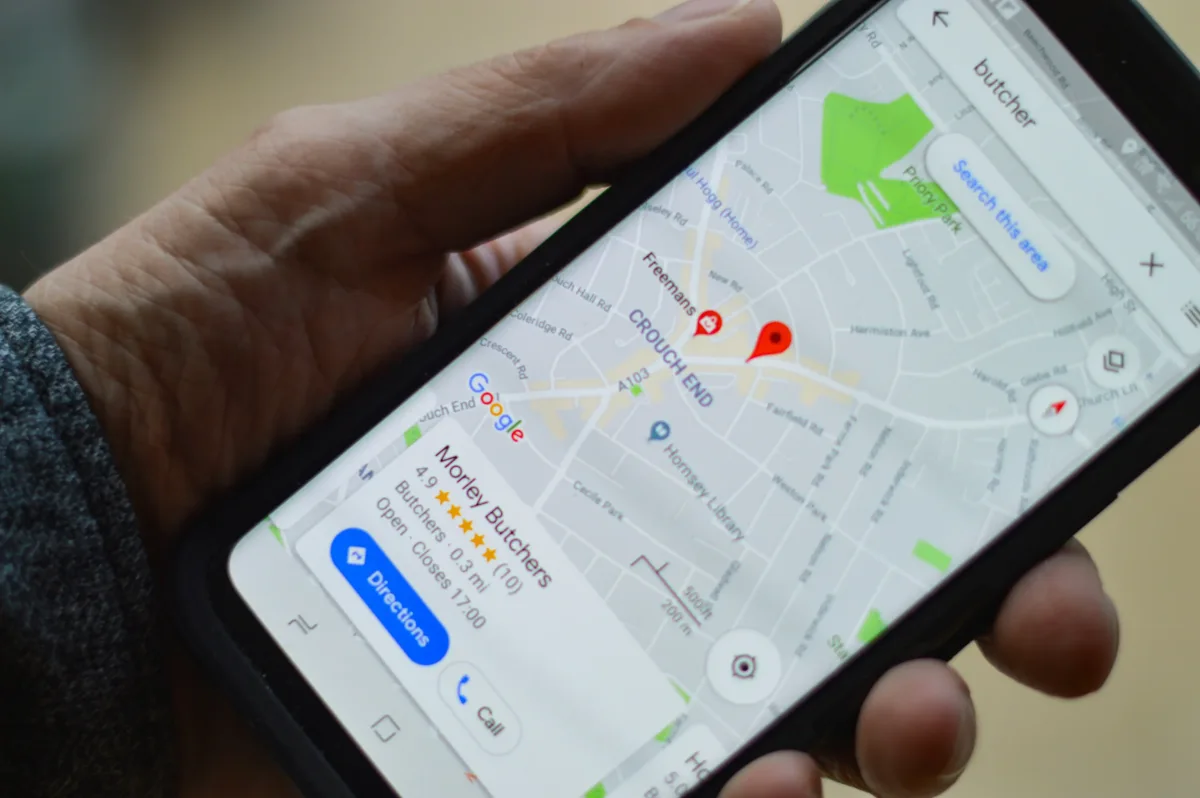
1. Find and verify the profile
Check whether a profile already exists and who manages it. Google determines the available verification methods for each case. Video, phone or other options are not freely interchangeable. Verification establishes management authority, not visibility for every query.
2. Record the starting point
Record accurate business details and available metrics over a suitable period. For rank tracking, use consistent queries and locations. Do not compare incompatible samples or present illustrative numbers as client results.
| Measure | How to use it |
|---|---|
| Local rank grid | A sample for specific places and queries, not actual visits. |
| Profile clicks and actions | Platform measures; not every action is an enquiry. |
| Enquiries and sales | Require separate verification in the business process. |
3. Name and categories
Use the real, recognisable business name. The primary category should describe the main activity, with additional categories reflecting genuine services. Do not add cities or keywords solely for rankings.
4. Photographs and video
Show how visitors can recognise the premises and what is offered inside. Use original materials with permission for identifiable people. Replace outdated images; no universal image count ensures a good result.
5. Address, phone, hours and website
Check the address or service area, map marker, phone number and regular and holiday hours. Link to the most relevant page. Use consistent UTM naming and correct measurement, without including personal data in URL parameters.
6. Services, products and customer questions
Complete fields available for the category and region with current descriptions. Products, services and questions are not displayed identically for every business. Keep important answers on your website as well so they do not depend on a single external feature.
7. Updates and offers
Give each update a specific purpose: an event, a service change or a genuine offer. State the terms and the correct contact route. Posting frequency is an organisational choice, not a guaranteed ranking factor.
8. Reviews and reputation
Invite honest feedback without rewards and without asking only satisfied customers to review your business. Reply substantively without revealing personal data. Report a negative review when it violates policy, not merely because it is inconvenient.
Maintenance checklist
Review the profile after changes to the address, opening hours, services or ownership. Compare equivalent periods and keep a record of edits.
- Access and ownership are clear.
- Categories and contact details reflect reality.
- Images, services and offers are current.
- Reviews and questions receive an appropriate response.
- Reported metrics are distinguished from actual sales.